Airflow Basics
How Ceiling Fan Direction Works
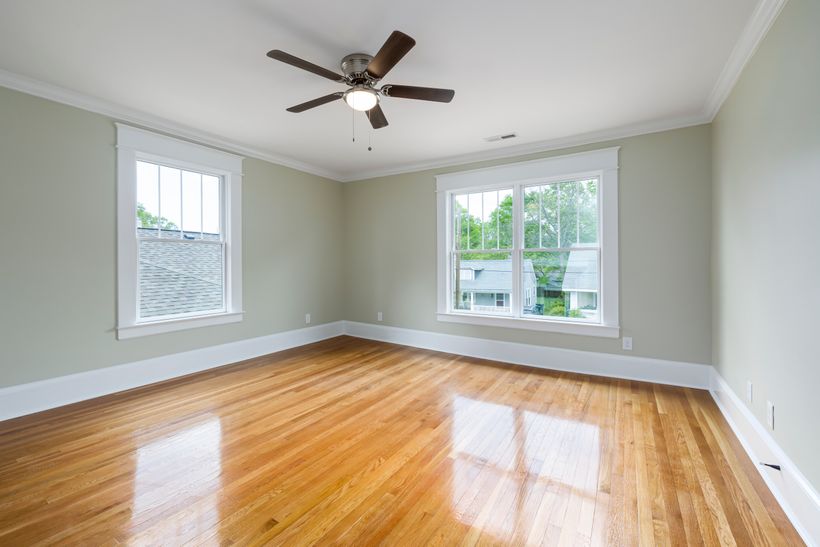
A ceiling fan does not make cold air or warm air. Its blades circulate the air already in the room. The rotation direction, blade pitch, motor speed, and fan design influence whether that circulation is felt as a downward breeze or a softer upward movement.
A downdraft sends air downward. In many ceiling fans, counterclockwise rotation viewed from below creates this effect. People beneath the fan feel moving air on their skin, which can make the space feel more comfortable during warm weather. The sensation is local: it is strongest under and near the fan.
An updraft moves air toward the ceiling. Clockwise rotation viewed from below commonly produces this pattern. Because warm air naturally rises, an updraft can mix that higher, warmer air with the rest of the room. The benefit depends on room shape, ceiling height, heating pattern, fan design, and speed.
Airflow is easier to judge from experience than from one visual cue. Stand in the usual occupied position after changing direction. In summer, notice the downward breeze. In winter, the intended result is quieter and less direct. If the experience does not match the expected pattern, check the manual and control setting before making another change.
| Rotation Direction | Air Movement | What You Feel Below the Fan | Typical Seasonal Use |
|---|---|---|---|
| Counterclockwise | Air directed downward | A more direct breeze | Summer |
| Clockwise | Air drawn upward | Gentler movement at low speed | Winter |
- Observe the airflow, not only the blade appearance.
- Check the owner's manual for the model's reverse-control method.
- Remember that blade pitch and model design can affect airflow.
- Choose a speed that suits occupants and the room.
Summer Fan Direction
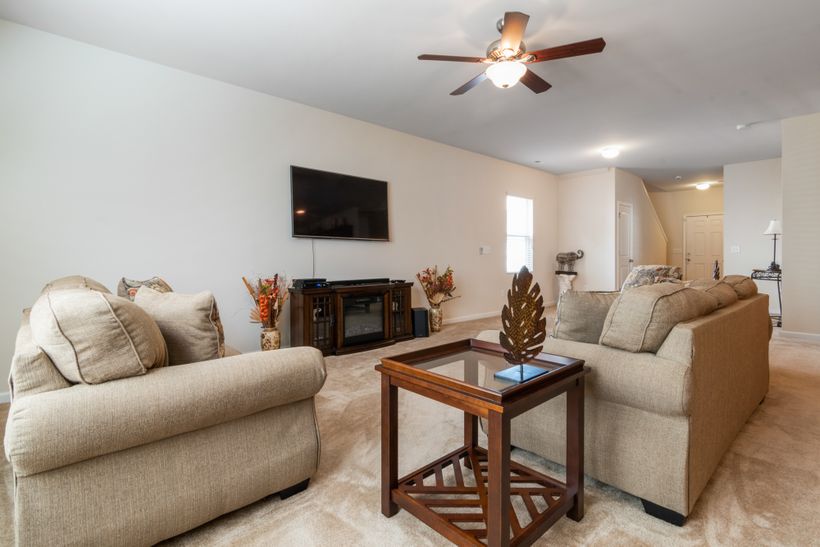
In summer, set the ceiling fan counterclockwise when you are looking up at it from below. This setting is generally used to create a direct downward breeze. The moving air can make people feel cooler through a wind-chill effect, even though the fan is not lowering the room's air temperature or replacing an air conditioner.
Use the fan where people are present. A fan helps comfort through airflow across occupants, so it usually provides little benefit in an empty room. If heating or cooling equipment is operating, use the fan as a comfort tool rather than a substitute for normal temperature control.
- Check direction. Stand below the fan and confirm a counterclockwise rotation.
- Set speed for comfort. Begin with a moderate setting, then raise or lower it as needed.
- Use while occupied. Aim airflow at the area where people are spending time.
- Turn it off when leaving. The fan circulates air; it does not cool an empty room.
How to Tell
- Look up from directly below the fan.
- Watch the blades move toward the left as they pass the nearest point of their rotation.
- Feel for a clear downward breeze after the fan reaches speed.
- If the pattern is unclear, follow the direction graphic in the owner's manual.
High speed is not always necessary. More speed can create more air movement, but a medium or low setting may be more comfortable for reading, sleeping, dining, or conversation.
Room activity also matters. A busy family room may need a stronger summer breeze than a quiet bedroom. In a home office, the preferred setting may be lower to avoid disturbing papers or creating a constant sensation on hands and face. Adjust the fan for people in the room instead of treating one speed as the default everywhere.
Winter Fan Direction
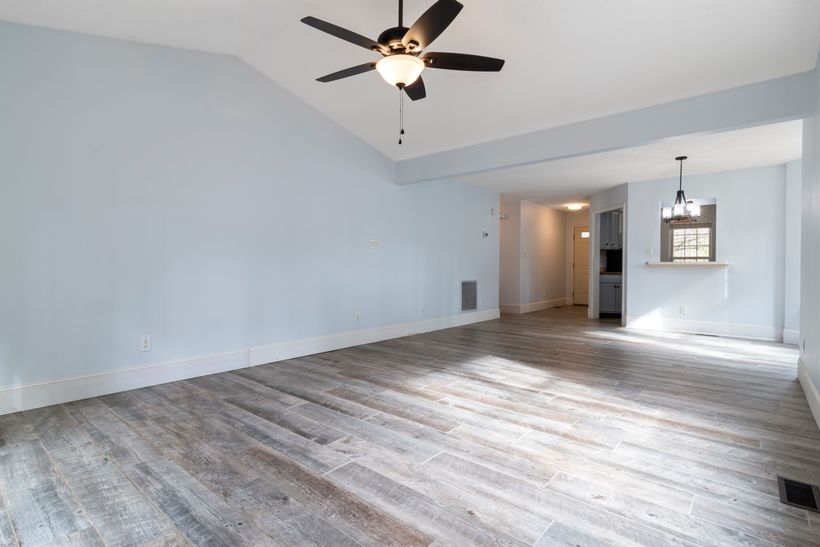
In winter, set the fan clockwise when viewed from below and use a low speed. This setting is commonly chosen to create a gentle updraft. Rather than blowing air directly onto people, the fan can help circulate warmer air that has accumulated near the ceiling.
The setting should feel subtle. If a winter fan creates a strong draft, lower the speed or reassess the direction. The fan is not producing heat and cannot replace a heating system; its role is to help distribute existing warm air more evenly in the occupied space.
| Speed | Airflow Feel | Recommended Use |
|---|---|---|
| Low Speed | Gentle, less noticeable circulation | Typical winter starting point |
| High Speed | May create a stronger draft | Usually reassess for winter comfort |
Why Low Speed Matters
- It supports a gentler updraft pattern.
- It is less likely to make people feel chilled.
- It allows comfort to be adjusted gradually.
- It accounts for differences in room layout and fan design.
In a high-ceiling room, warm-air circulation may be more noticeable. Even so, final settings should be adjusted for comfort, the specific room, and the selected fan.
How to Reverse a Ceiling Fan
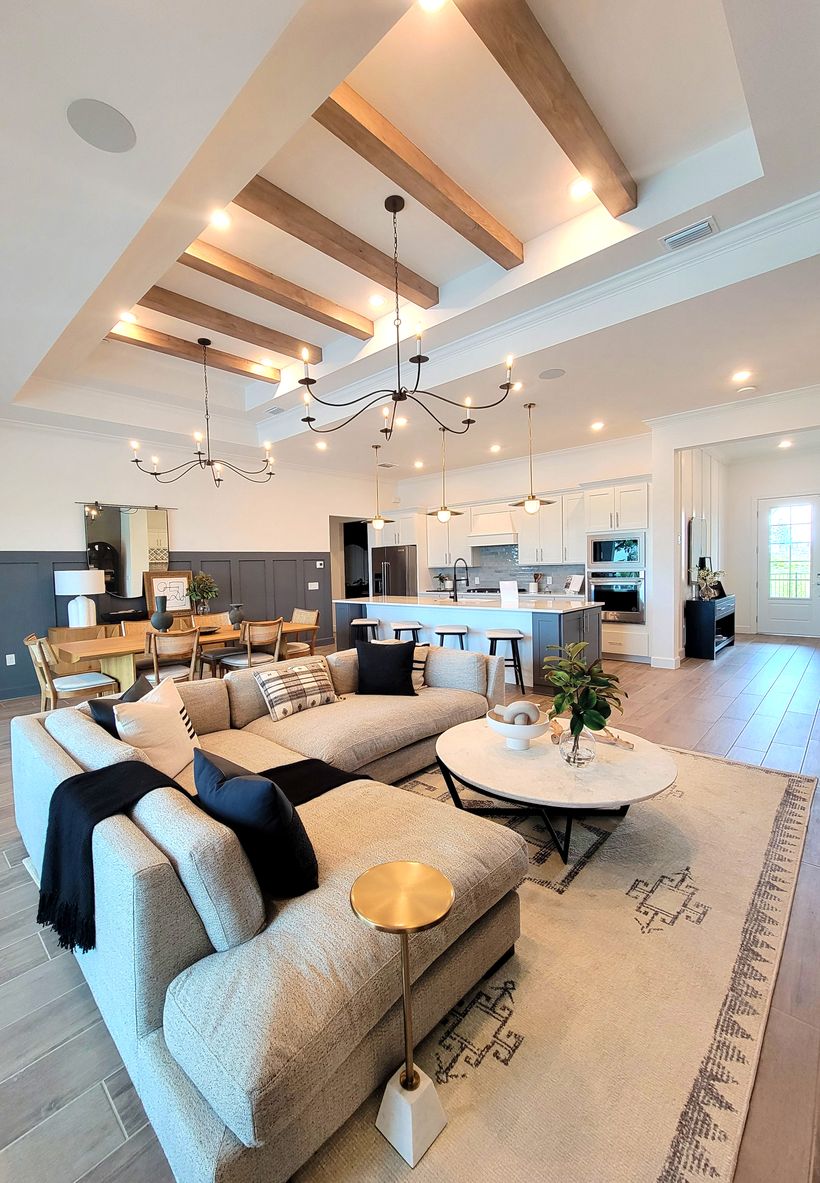
Reverse controls differ by model. Many traditional fans use a small reverse switch on the motor housing. Other models use a button on the remote control, a wall control, or an approved smart-app setting. Consult the owner's manual before changing direction, especially if the control is not immediately visible.
- Turn the fan off.
- Wait for the blades to stop completely.
- Find the reverse control using the owner's manual.
- Select the opposite direction.
- Restart the fan at a suitable speed.
- Stand below the fan and verify airflow.
If You Cannot Find the Reverse Control
Check the manual or contact the manufacturer for model-specific guidance. Do not climb on furniture, remove electrical covers, or make electrical changes to find a control. If the fan has an electrical fault or inaccessible controls, consult a qualified professional.
For shared properties, keep the approved operating instructions with the maintenance record or in another accessible place. That makes seasonal changes easier to perform consistently and helps prevent improvised troubleshooting. If a control does not respond as expected, stop using the fan and seek appropriate model-specific or professional advice.
- Keep hands clear of the blades and motor housing.
- Wait for a complete blade stop before reversal.
- Use only the control method intended for the model.
- After restarting, verify the airflow from below.
Common Direction Mistakes
Seasonal direction is a simple concept, but small misunderstandings can affect comfort or safety. These common mistakes are easy to avoid with a quick check at the start of warmer and colder seasons.
Reading Direction from Above
Directions should be checked from below, where occupants experience the airflow. A fan that looks clockwise from the floor looks counterclockwise from above.
Using High Winter Speed
High speed can create an unwanted draft. Begin at low speed for a gentler updraft and adjust only if the room still needs different circulation.
Reversing While Blades Move
Always turn the fan off and wait for complete blade stop. Changing settings while blades move can be unsafe and may not match the control procedure in the manual.
Ignoring the Owner's Manual
Reverse controls differ by model. A switch, remote, wall control, or app may be used, so model-specific instructions are more reliable than assumptions.
Leaving Fans On in Empty Rooms
Fans circulate air but do not cool an empty room. Turn them off when a room is not occupied unless airflow is needed for another reason.
Forgetting Seasonal Changes
Check direction at the start of warm and cold seasons. A short maintenance reminder can help households and property teams make the change consistently.
- Confirm direction from below.
- Verify speed after every seasonal change.
- Listen for unusual noise after restarting.
- Keep the owner's manual accessible.
Fan Direction by Room
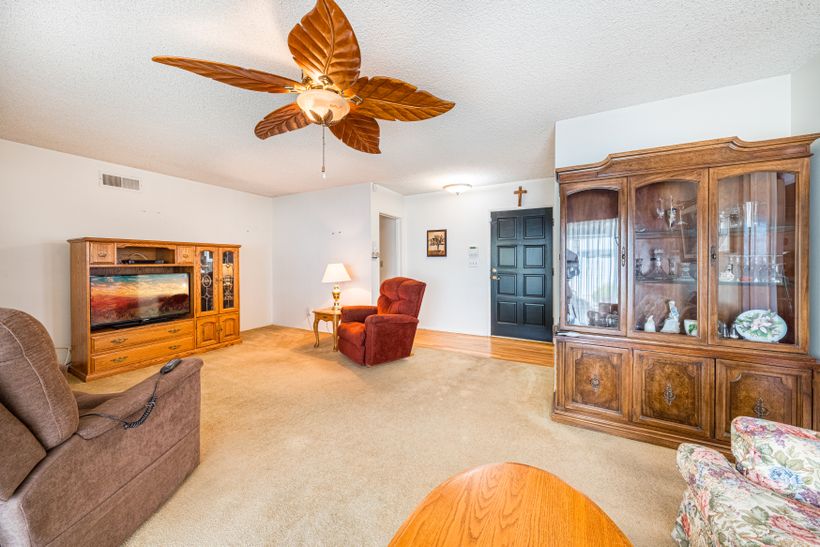
The seasonal rule remains the same across rooms: counterclockwise for a summer downdraft and clockwise at low speed for winter circulation, viewed from below. Room use, seating positions, ceiling height, cooking activity, and desired noise level can affect the preferred speed.
| Room | Summer Setting | Winter Setting | Practical Note |
|---|---|---|---|
| Bedroom | Counterclockwise; adjust for sleep comfort | Clockwise at low speed | Avoid an overly strong night-time breeze. |
| Living Room | Counterclockwise; adjust for occupancy | Clockwise at low speed | Use seating areas to judge comfort. |
| Home Office | Counterclockwise; moderate starting speed | Clockwise at low speed | Balance comfort with noise and papers. |
| Kitchen | Counterclockwise as comfortable | Clockwise at low speed | Consider heat sources and ventilation needs. |
| High-Ceiling Room | Counterclockwise; adjust locally | Clockwise at low speed | Warm-air circulation can be more noticeable. |
| Covered Outdoor Area | Counterclockwise as suitable | Clockwise if model allows | Confirm the selected model's location rating. |
High Ceilings
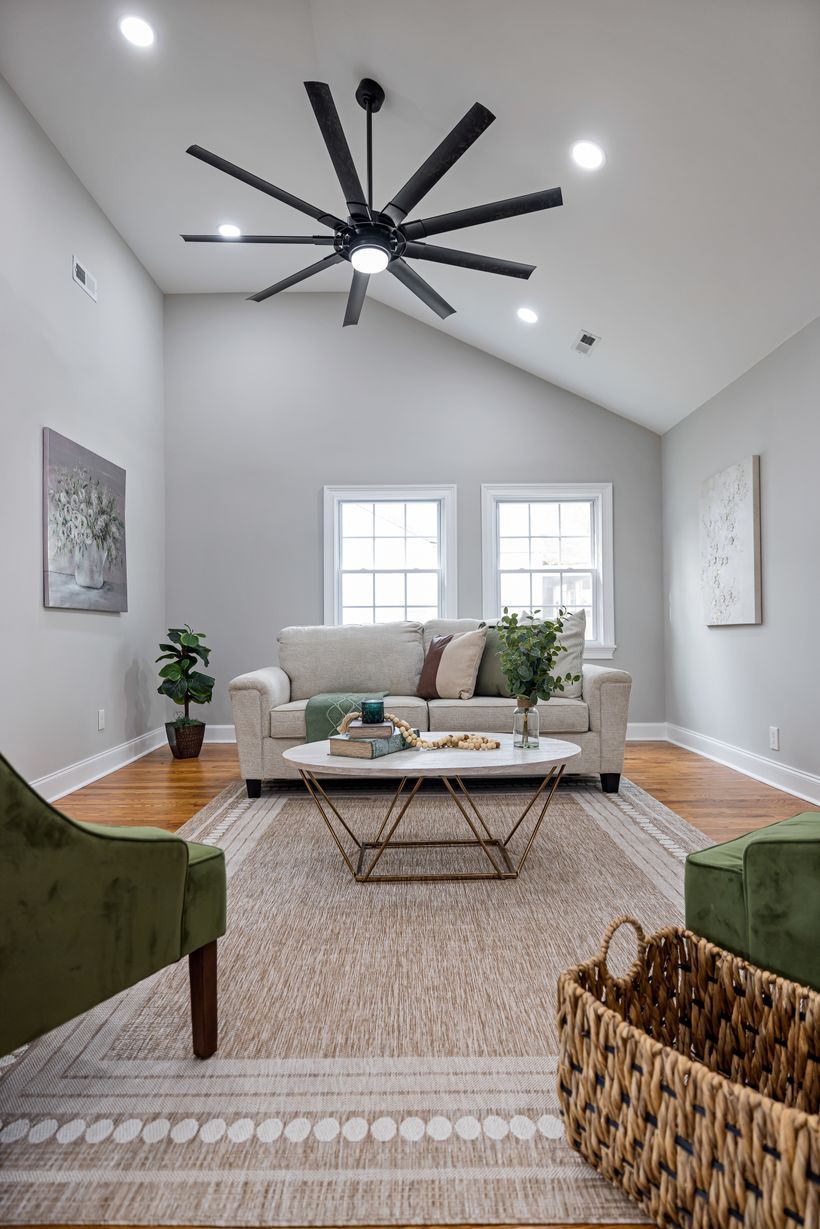
Tall or vaulted spaces can make warm-air circulation more noticeable in winter because more air sits above the occupied zone. Start low, observe comfort, and make adjustments for the room rather than assuming one speed works everywhere.
In rooms with several fans, set them consistently only after checking each fan from below. Room layout may still call for different speeds. Ceiling fans should also be installed and operated according to the manufacturer’s instructions and applicable local requirements, especially in kitchens and covered outdoor areas.
Ceiling Fan Settings and Home Comfort
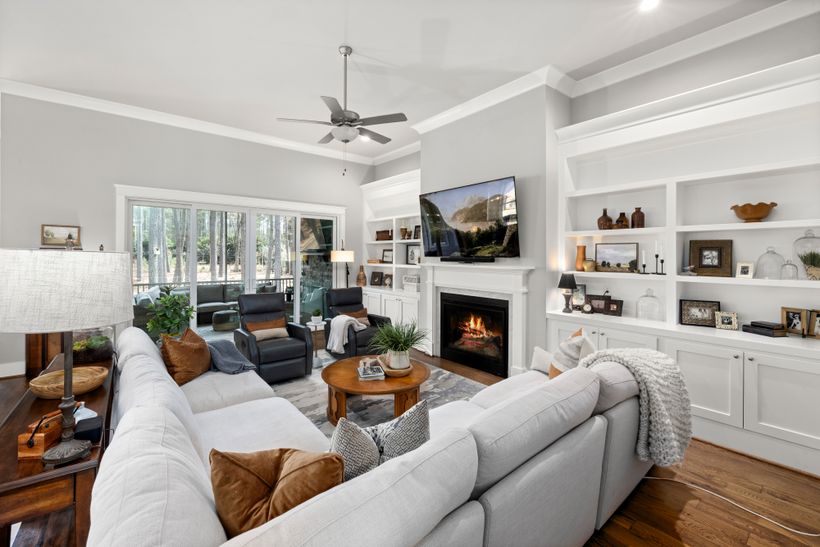
Fan direction and speed work alongside normal heating and cooling equipment. In warm weather, a downward breeze can make occupants feel more comfortable. In cool weather, gentle circulation may reduce temperature layering. Neither function changes the thermostat setting automatically or eliminates the need for maintained heating and cooling equipment.
| Practical Habit | Why It Helps |
|---|---|
| Change Direction Seasonally | Matches airflow pattern to warm or cool weather comfort. |
| Start with a Moderate Summer Speed | Lets occupants find a comfortable breeze without excess draft. |
| Use Low Winter Speed | Supports gentle circulation near the ceiling. |
| Turn Off Fans in Empty Rooms | A fan circulates air but does not cool an unoccupied room. |
| Keep Heating and Cooling Equipment Maintained | Supports consistent comfort and normal system operation. |
A Fan Is Not an Air Conditioner
A ceiling fan creates an airflow effect; it does not actively lower the room's air temperature. In summer, people may feel cooler because moving air changes how heat leaves the body. When no one is in the room, that comfort effect is not needed, so the fan can usually be switched off.
- Use thermostat controls for actual heating or cooling needs.
- Use the fan to fine-tune the feel of occupied areas.
- Adjust speed when room use, weather, or clothing changes.
Choosing a Reversible Ceiling Fan
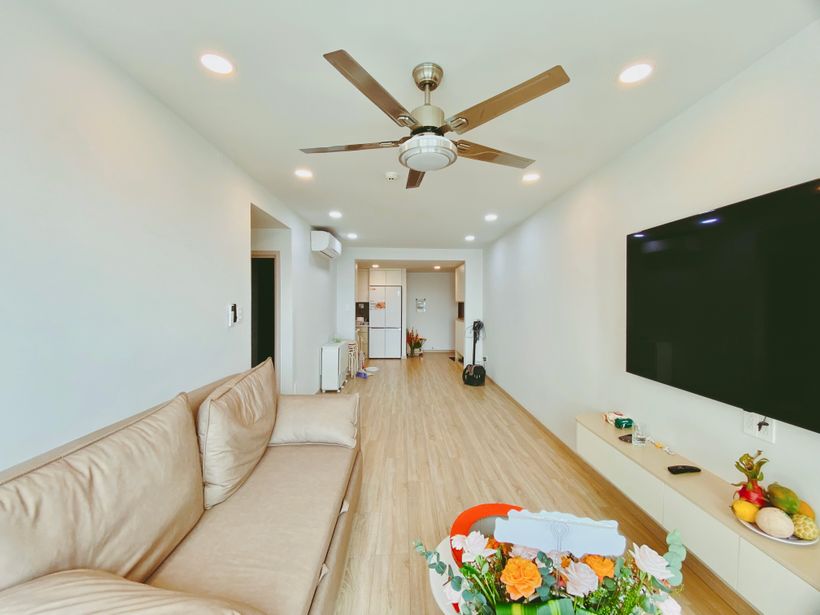
Reversible operation is a practical feature for buyers who want seasonal airflow options. Individual homeowners can focus on room needs and easy controls. Product researchers and B2B buyers also need to review manuals, labels, packaging, installation conditions, and the control method planned for the selected market.
- Confirm Reverse Function. Verify that the selected model has a seasonal reverse option.
- Check the Control Method. Review whether reversal uses a switch, remote, wall control, or selected smart control.
- Review Motor Options. Compare the control and operating information supplied for each model.
- Consider Room Size and Ceiling Height. Match dimensions and mounting needs to the room.
- Confirm Light Requirements. Review integrated lighting and separate control expectations.
- Review Installation Conditions. Confirm location rating, wiring, and local requirements.
- Keep Manuals and Product Details. Make model-specific instructions easy to find after installation.
For Product Buyers
Distributors, retailers, and private-label buyers should clarify reverse-function controls, manuals, labels, target-market requirements, and packaging before finalizing a product project. The direction diagram should be simple, consistent with the selected control method, and understandable when the user is standing below the fan.
For retailers, clear seasonal instruction can reduce avoidable customer uncertainty after installation. For property managers, an accessible guide helps maintenance teams answer simple operating questions without bypassing safety procedures. For product teams, the same core guidance should be reflected in listings, carton inserts, manuals, and customer-support materials.
Clear documentation also helps buyers compare product options fairly. One model may use a physical switch, while another may reverse from a handheld remote or wall control. Useful buyer materials state the available method plainly, show its location or button, and explain the safe sequence of turning the fan off before reversal.
Ceiling Fan Direction for Product Buyers

For product buyers, seasonal direction is not only a consumer education point. It is also a manual, control, packaging, and customer-support topic. A reversible ceiling fan should explain summer counterclockwise downdraft and winter clockwise low-speed updraft clearly when viewed from below. The wording and diagram should match the actual reverse control installed on the selected model.
Product information should avoid universal claims. Airflow can differ with blade pitch, motor, speed, mounting position, and room conditions. Instead, instructions can give the seasonal starting rule, direct users to observe airflow, and refer them to the owner's manual for model-specific operation and safety guidance.
During a B2B review, buyers can compare how a reverse switch, remote control, wall control, or smart setting is communicated. They can also consider whether lighting controls are separate from fan controls, how replacement manuals will be handled, and which voltage, labeling, or compliance information belongs to the target market. Kajiapu can discuss product requirements and OEM/ODM project details without assuming a particular model or technical option.
| Buyer Review Point | Why It Matters |
|---|---|
| Reverse Function | Confirms the seasonal direction capability. |
| Control Instructions | Matches user guidance to the selected control method. |
| Product Manual | Provides safe, model-specific operation information. |
| Direction Diagram | Shows clockwise and counterclockwise from below. |
| Light Controls | Clarifies how lighting and fan controls work together. |
| Packaging Information | Supports organized product presentation and documentation. |
| Target-Market Requirements | Helps identify labels, voltage, and project details to confirm. |
- Use unambiguous seasonal language in customer-facing instructions.
- Confirm that the manual and product controls tell the same story.
- Review market requirements before finalizing product materials.